Microsoft ships a handful of Power Pages starter templates — an FAQ page, a basic contact form, a partner directory — but they're deliberately minimal, and anyone who's actually deployed a portal knows how far you have to extend them before they're production-ready. The gap between "starter template" and "working portal" is where most projects lose weeks.
This post ranks the six Power Pages templates that cover the 80% of real-world use cases we see in 2026. Every template on this list is production-grade — meaning it ships with proper security scopes, working forms, real Dataverse bindings, and zero TODO comments. All are free to clone in PortalForge.
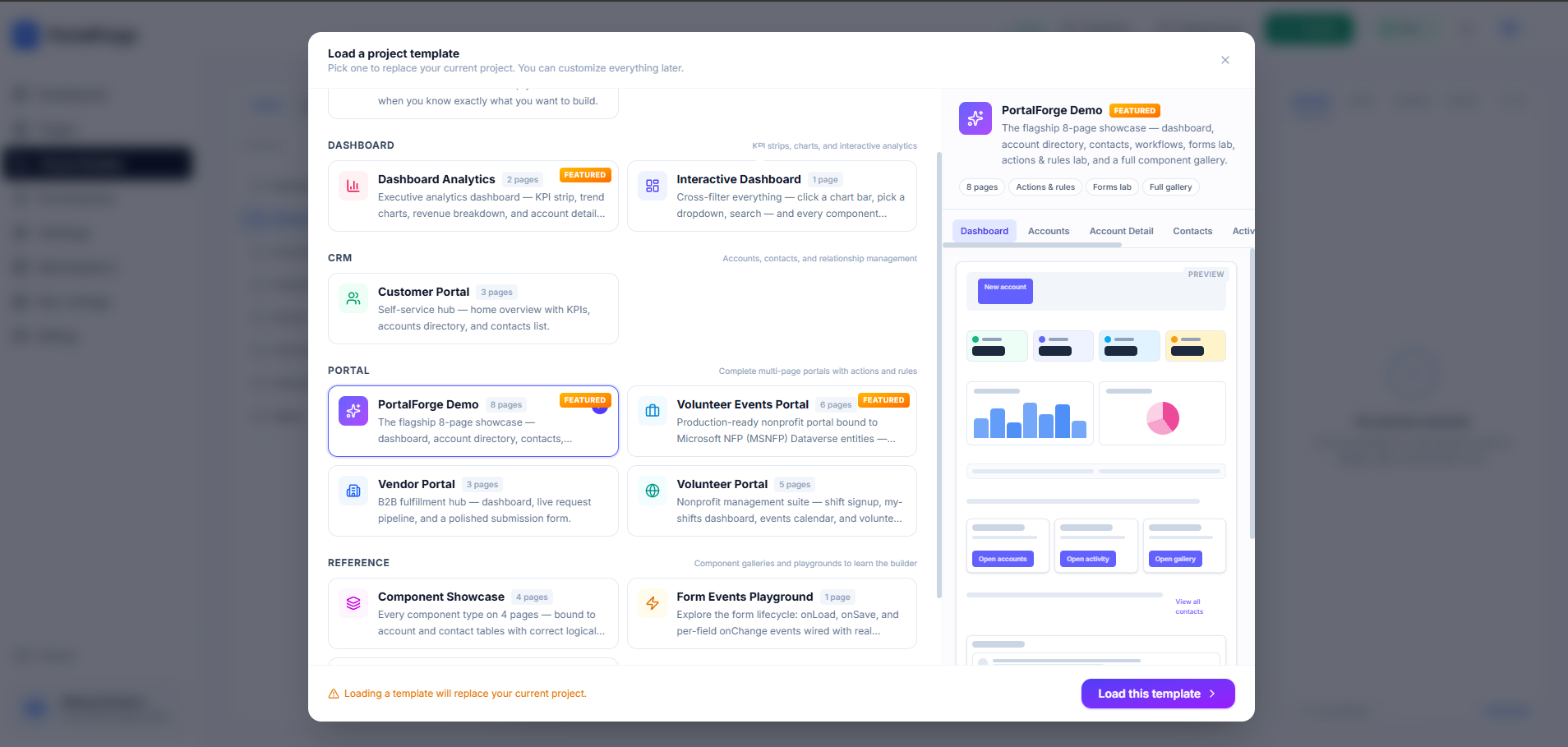
1. Customer Support Portal
The Customer Support Portal is our most-cloned template, and for good reason: it hits the broadest use case in the Dataverse ecosystem. B2B customers sign in, submit cases via a multi-step form, track status in a filtered grid, and search the knowledge base — all with contact-scoped permissions so each user only sees their own cases.
If you're already on Dynamics 365 Customer Service, this template plugs in with zero schema changes. If you're on vanilla Dataverse, you'll provision the standard incident and knowledgearticle tables. Either way, you're roughly 45 minutes from a live deployment.
2. Partner Deal Registration
Channel partners are painful to manage in Dynamics without a portal. The Partner Deal Registration template solves three specific problems: deal collisions between internal sales and partners, manual commission tracking, and inconsistent visibility into the partner pipeline.
Partners self-register deals through a guided wizard; each registration creates an opportunity record with the partner account pre-populated. Parent-scope permissions mean partner account admins see every deal their team registered, while individual reps see only their own. The commission dashboard is a single KPI panel over a custom cr_commission table — swap it for your existing commission schema if you have one.
3. Employee Self-Service Portal
The Employee Self-Service Portal is a fan favorite among small-to-midsize companies who'd otherwise pay Workday or Rippling pricing for 90% of the same functionality. Time-off requests, expense submission, pay stub downloads, and an announcement feed — all backed by custom HR tables and hooked to Power Automate for approval routing.
This is also the template most often paired with SSO (Entra ID) in Power Pages. With Entra-authenticated employees, you don't need separate portal accounts — each user's systemuser record handles authentication and RBAC automatically.
4. Volunteer Engagement Portal
If you're running Dynamics 365 with the Nonprofit Accelerator, the Volunteer Engagement Portal is genuinely the fastest path to a modern volunteer management experience. It uses the standard msnfp_engagementopportunity and msnfp_participation tables from the accelerator — zero custom schema, no additional licensing.
Volunteers browse opportunities by category, sign up for specific shifts, log hours post-event, and see their impact on a personal dashboard. For nonprofits migrating off VolunteerMatch or Timecounts, this is a clean consolidation onto one Dataverse backend.
5. Vendor Onboarding Portal
Procurement teams running vendor onboarding through spreadsheet-and-email chains are burning hours per vendor. The Vendor Onboarding Portal replaces that with a multi-step wizard: company info, key contacts, banking details, compliance certifications, and document upload.
The standout feature here is the conditional compliance questionnaire — answering "yes" to "Do you handle PHI?" reveals HIPAA-specific questions without reloading the page. This branching logic is zero-code in PortalForge's action engine.
6. Event Registration Portal
Eventbrite's per-ticket fees add up fast for organizations running recurring events or training programs. The Event Registration Portal replicates the flow on Dataverse: event catalog, session-level registration with capacity enforcement, personal agenda with calendar export, and QR-code check-in.
For associations gating events by membership status, you also get web-role-based visibility for free — member-only events don't even appear in the catalog for non-members.
How to pick the right template
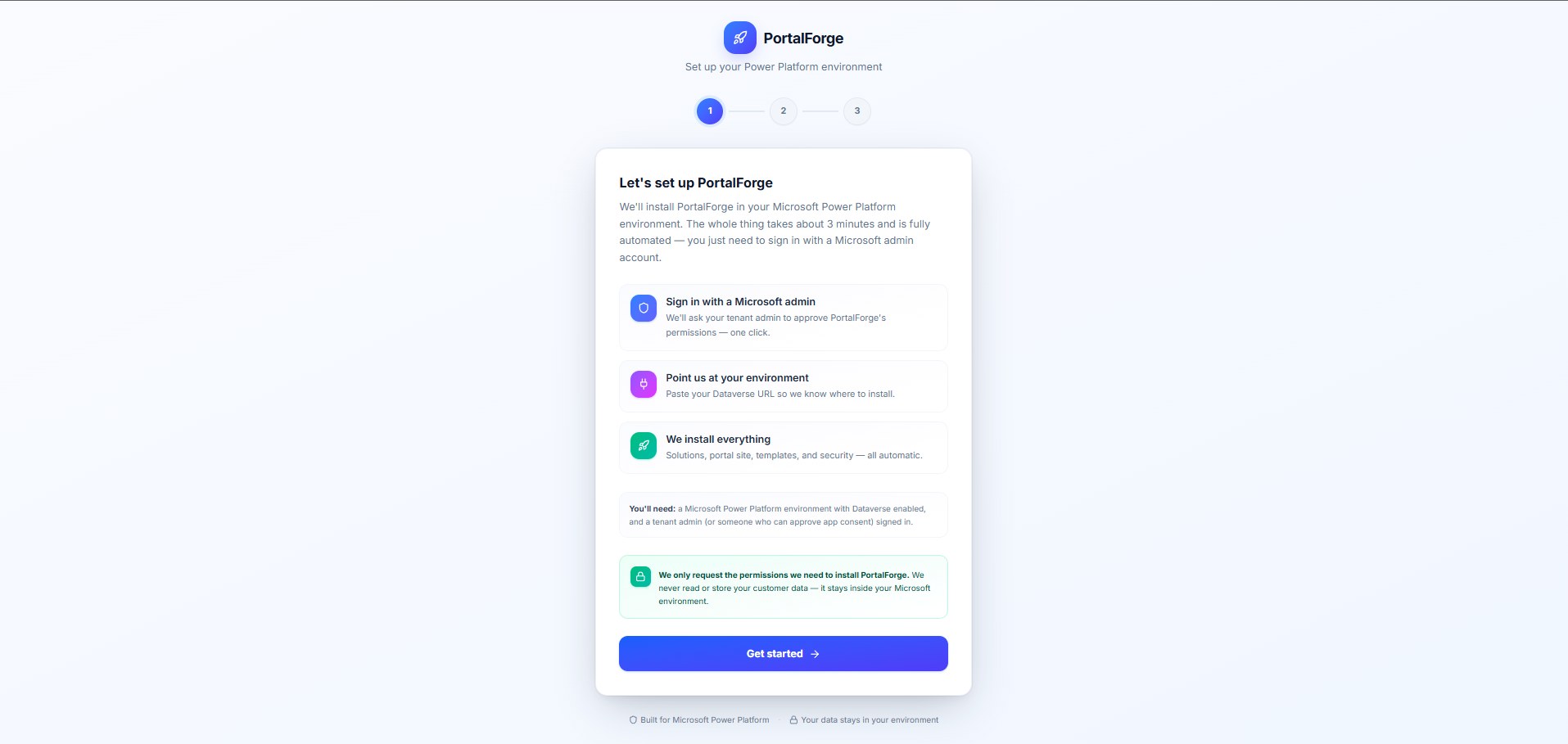
If your immediate problem is well-defined, start with the closest template and customize from there. If you're not sure yet, the Customer Support Portal is the most general: its patterns (authenticated user, scoped record view, submit form, status pipeline) show up in almost every portal.
All six templates are fully editable in the visual builder. Clone one, change the copy and branding, swap table bindings, and publish — most teams ship customized versions within an afternoon. Browse every template →